Upcoming eLearning Events


815 Articles match "Slides"

The Latest from the eLearning Learning Community

Tuesday, February 9, 2010
Slides Here are the slides from the presentation. Dan Bliton of Booz Allen Hamilton asked Tony and Karl to present a webinar entitled "Enterprise Learning and Collaboration in 3D Virtual Worlds." The presentation promises to be a lot of fun. Here are the supporting resources.
 
Tuesday, February 9, 2010
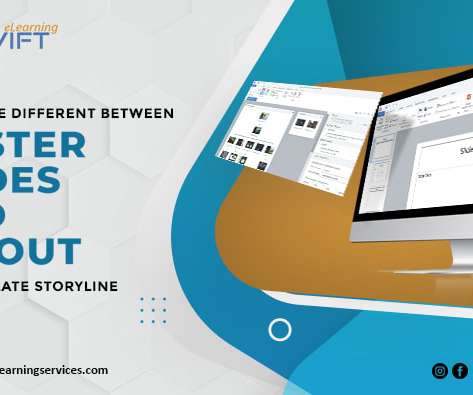
All you need is a set of well designed master slides. Now read on for five top tips to help you get the most out of your master slides. Use a single slide master for simple presentations Formatting Formatting presentations in PowerPoint can be a painstaking process, especially if there are number of elements on each slide. It doesn’t take a genius to make a presentation look great. 1.
 
Tuesday, February 9, 2010
I watched "Understanding Computers and the Internet" - downloaded the video lectures, transcript, slides and jargon doc to my computer. Very cool. "On the new site Academic Earth you can watch lectures on physics from M.I.T., or catch a Yale history course on the origins of World War I, or see a U.C. Berkeley professor cradle a brain while she talks
 

The Best from the eLearning Learning Community

Last week I put together a SlideShare version of my presentation on the e-learning skills gap and it got me thinking about how slide shows have evolved over the last few years as a new form of stand-alone content. If you can simply upload your presentation slides and they make perfect sense on their own, it doesn't reflect well on on your slides - chances are they were functioning as a sort of public teleprompter or what Nancy Duarte calls in slide:ology a 'slideument'. The key is to approach the stand-alone slide show as something quite separate from a live presentation, which usually
Here are the slides: Using e-Learning To Facilitate 21st Century Learning View more documents from zaid . SELF-ASSESSMENT The moment of truth had arrived after my lecturing nightmares in 2008 . So, let's start with the presentation slides ? 108 slides (54 slides per hour), including four inspiring short videos (adding up to around Slideshare version Thinking Back to The Future MY TALK I was invited by the Ministry of Health (Training Division) to give a two hour lecture during a 2-day Tutor Seminar at the Hotel City Bayview, Penang.
No sooner had I posted about the three solutions I had been considering for making slide shows available online as stand-alone content, than a rush of new options comes to light - isn't that the joy of online communities? Prezi > video . Strictly, of course, a Prezi document is not a slide show at all, but the purpose is the same - as speaker support. Patrick Dunn has shown how this can be done with his excellent piece on creating engaging elearning , displayed as a series of four videos on blip.tv . Live > video . So obvious it never occured to me.
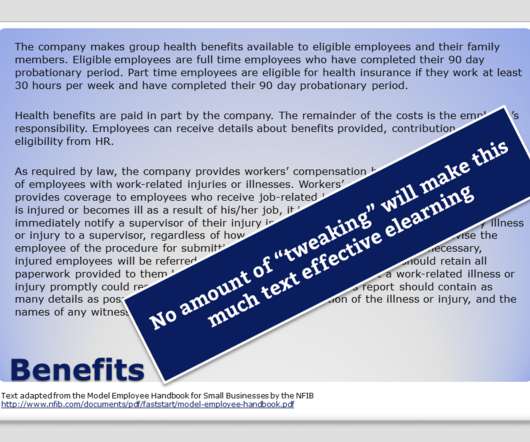
It's an employee orientation that consists of many (500) slides of text and graphics. We'll make the slides fun with graphic effects and movies, but that doesn't change the slide model. For the task described, where the source is initially MS PowerPoint slides, Articulate Presenter is going to be easier to use. I got a question (and you know I love questions): We are being asked to use Adobe Captivate on a project. I
Tools like Articulate Presenter are great for creating elearning courses. However, a lot of what you do depends less on the rapid elearning tool and more on your PowerPoint skills. In fact, I get so many emails asking about how to do this or that in PowerPoint, I decided to do a quick series on some essential PowerPoint tips and tricks.
Slides For now, I just want to give you the slides .  Tomorrow I had the great pleasure to present a keynote address yesterday at Training 2010.  While While I’ve presented at dozens and dozens of conferences over the years, this was my first true keynote.  Was Was I nervous?  Yeah,
To collect some of that information, I’ll ask the person to review the slides and then add whatever he can to the notes section. Just review the slide and do a brain dump. find this approach works well because the slides serve as a great mental trigger and outline of what they need to share. PowerPoint’s notes section can be used as a way to capture knowledge, hold a transcript, or even as a glossary. In today’s post, I’m going to throw out some ideas to help you get the most out of your notes.
these are the slides of the presentation I am going to give in an hour's time at the eLearning Guild's Annual Gathering. Feeling the nerves creeping up on me like always, argh. | View | Upload your ow
can certainly sympathise with Elliott's intentions here - after all, we have all had to sit through far too many mind-numbing slides full of endless bullet points. The Emperor's New Slide Show Once upon a time there lived a vain Emperor whose only worry in life was to impress his subjects with the extraordinary quality of his business presentations. He developed new slide shows almost every day and loved to I was interested to read in Donald Clark's review of Learning 2005 that Elliott had decreed that there should be no PowerPoint at the show. I
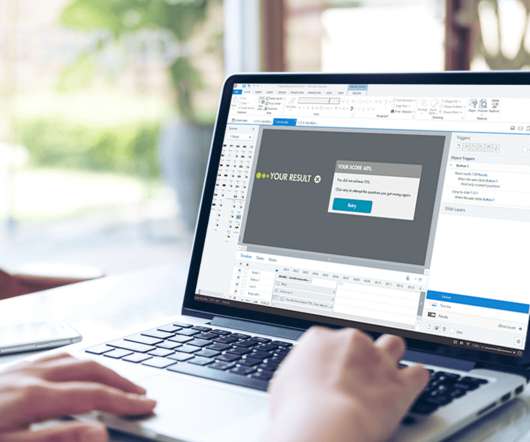
We know about the “Send E-Mail” button in the Results slide but what if there are no question slides or quiz in your project?? Here is how you could do this very easily using the following steps: 1. Add a question slide and then remove the quiz slide so that only the result slide remains. Have you ever felt the need of sending an e-mail notification as soon as a course or a captivate demonstration is over. In the result slide delete everything and just have"Continue" and